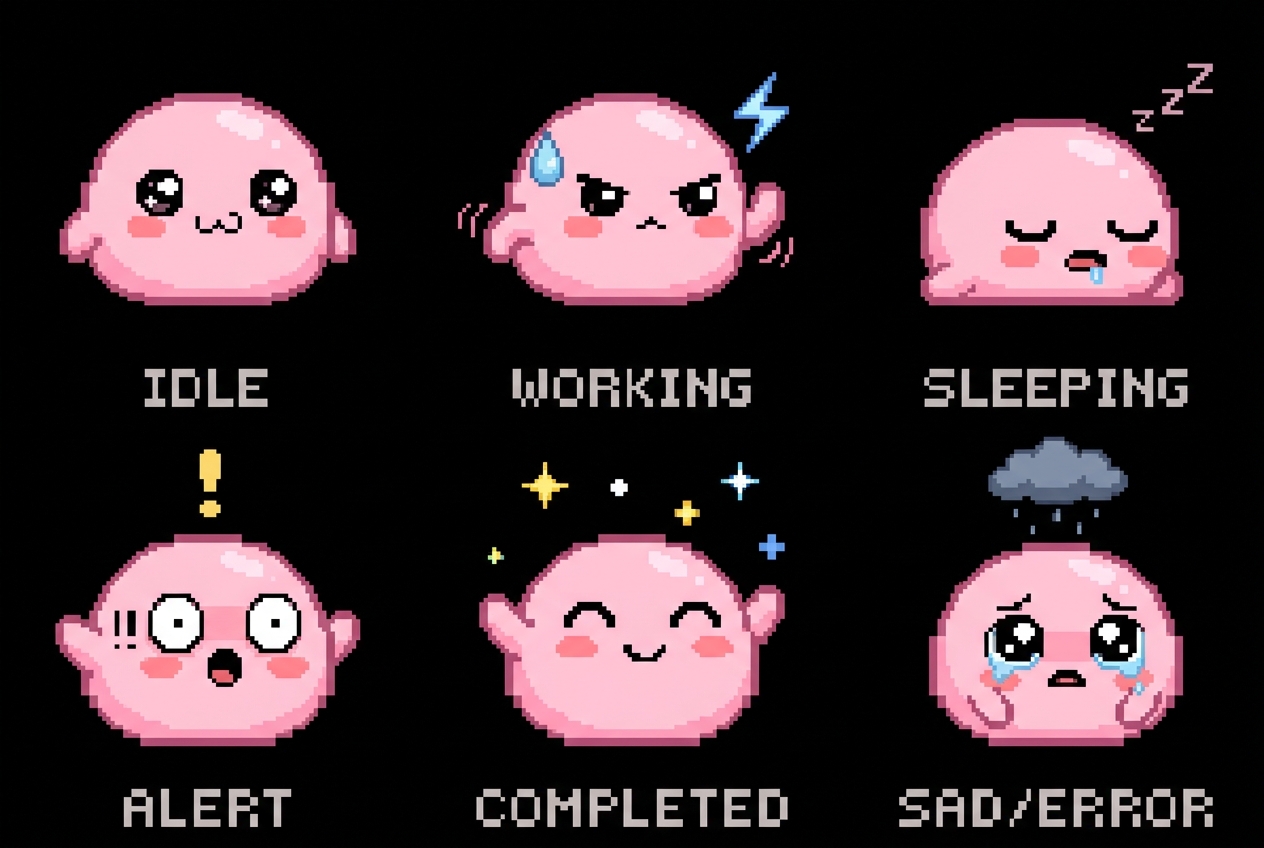
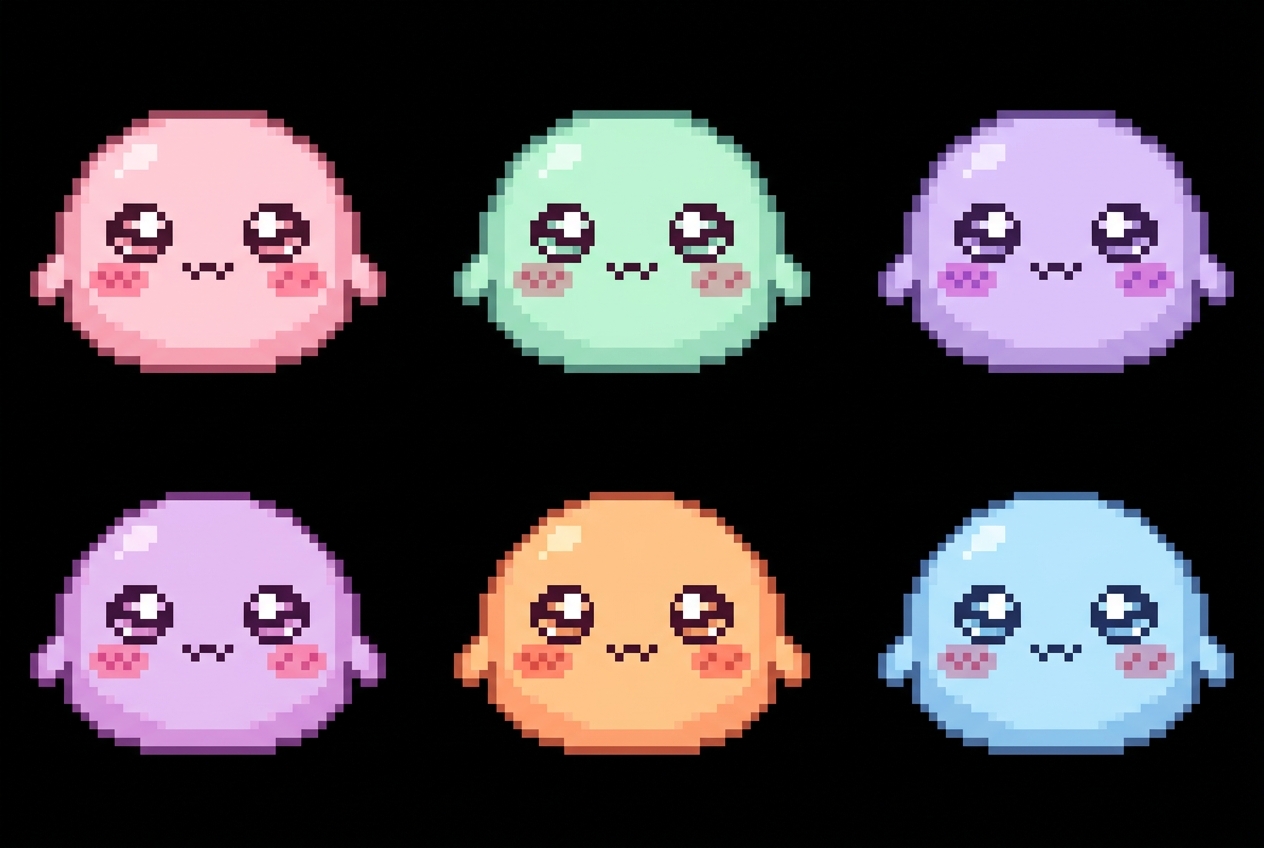
Mochi - cute pixel art desktop pet character
Now available for macOS & Windows

Mochi Terminal Pets

모찌 터미널 펫

Your terminal sessions, alive.
Tiny pixel pets that walk, sleep, and react to your workflows — right on your desktop.

🍎 macOS (native Cocoa)  ·  🪟 Windows (Python/Qt)  ·  One-time purchase

Mochi Terminal Pets running on a macOS terminal — build, agent, server, and deploy pets walking along the bottom

🖥️ Real-time terminal pet monitoring in action · 실시간 터미널 펫 모니터링

Everything your terminal needs
to feel alive

Seven thoughtfully crafted features that turn a sea of terminal tabs into a delightful, ambient experience.

💤

Ambient CPU Awareness

CPU 인식 동작

Pets walk when their terminal is working and curl up to sleep when idle. A living, breathing status indicator you'll actually enjoy watching.

🧠

AI Token Tracking

AI 토큰 추적

Real-time context window usage for Codex, Claude, and other AI agents displayed as a tiny progress bar above each pet.

👆

Click-to-Focus

클릭하여 포커스

Click any pet's nameplate and instantly jump to that terminal tab. Navigate dozens of sessions without hunting through a tab bar.

📌

Drag & Pin

드래그 앤 핀

Manually position pets wherever you like on your screen. Pin important sessions front and center.

🔔

Completion Alerts

완료 알림

An audio cue and speech-bubble animation the moment a background task finishes. Never miss a completed build or test run again.

🎨

Custom Skins

커스텀 스킨

Bring your own pixel art sprites and sound packs. Share skins with the community or keep them personal.

Zero Config

설정 불필요

Just run the binary. Mochi auto-detects your terminal sessions, tmux panes, and active processes. Nothing to configure.

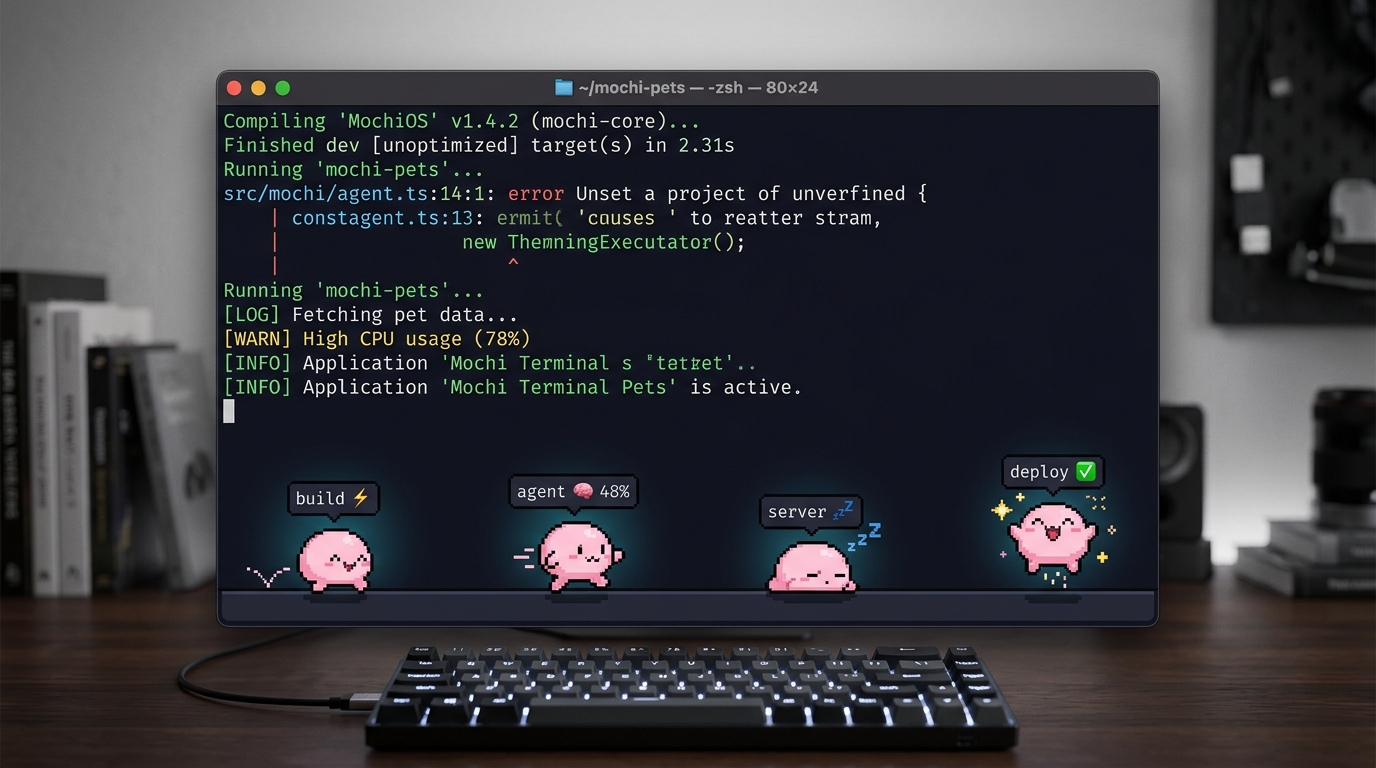
Pets live at the bottom of your screen

Each terminal session becomes a tiny companion. Here's what it looks like in action.

Terminal — zsh — 120×36
mochi start
Detected 3 active sessions
→ tmux:build (cargo build --release)
→ tmux:agent (codex run "refactor auth")
→ tmux:server (npm run dev)
Spawning pets... 🐾
_
build 🔨
agent 🧠 48%
server 💤

Three steps. Zero friction.

From download to desktop pets in under a minute.

1

Download & Run

다운로드 & 실행

Grab the binary for your platform. Double-click or run mochi start from any terminal.

2

Auto-Detect

자동 감지

Mochi scans for active terminal sessions, tmux panes, and running processes — instantly.

3

Meet Your Pets

펫 만나기

Pixel pets appear at the bottom of your screen. Click, drag, and enjoy your ambient workspace.

Don't take our word for it

Here's what developers are saying about Mochi Terminal Pets.

★★★★★
"I run 12+ tmux sessions daily. Mochi turned my workflow from 'where is that tab' chaos into something genuinely enjoyable. The AI token tracking alone is worth $5."
🧑‍💻
Alex Chen
@alexcodes · Staff Engineer
★★★★★
"Posted my setup to r/unixporn and it blew up. Everyone wanted to know about the little pixel pets walking across my bottom bar. Pure serotonin."
🎨
Mika Tanaka
@mika_dev · Open Source Contributor
★★★★★
"The completion alerts are a game changer. I kick off long builds, work on something else, and my pet literally jumps up and down when it's done. 10/10 UX."
Jordan Park
@jparkml · ML Engineer

One price. Forever yours.

No subscriptions. No tracking. Just a delightful tool you own outright.

One-time purchase
$4.99

Pay once, use forever. Free updates included.

  • macOS native Cocoa binary
  • Windows Python/Qt app
  • All 7 core features
  • Custom skins & sounds
  • AI token tracking for all major agents
  • Free updates for life
  • Community skin marketplace access
Get Mochi Terminal Pets →

🔒 Secure payment · Instant download · 30-day money-back guarantee